Why Sell on CayMark
More Exposure. More Competition. Better Results.
CayMark gives you the tools, visibility, and support to sell with confidence while helping you achieve the best possible outcome.
List Without Limits
List as many items as you want with no limits or restrictions.
Competitive Bidding
More buyers competing for your listings can lead to stronger offers and higher selling prices.
Advanced Insights
Track listing performance, views, and buyer interest to make smarter selling decisions.
Serious Buyers
Connect with verified buyers who are ready to purchase through a secure transaction process.
Secure Transactions
Every completed sale follows a transparent process designed to protect both buyers and sellers.
Seller Plans
Flexible Plans. Powerful Results.
Choose the package that fits your selling goals with straightforward pricing and no hidden surprises.
Casual Seller
Made for Everyday Sellers
Perfect for sellers who list occasionally or are just getting started.
Enterprise Seller
Built for Serious Sellers
Everything you need to sell more, manage easier, and grow faster.
4 Simple Steps to Sell Your Item
Create an Account
Sign up as a seller and complete your profile.

Add Your Item
Upload photos, add vehicle condition and details along with listing preferences.

Receive Bids
Buyers compete by placing bids until your listing ends and a winning bidder is selected.
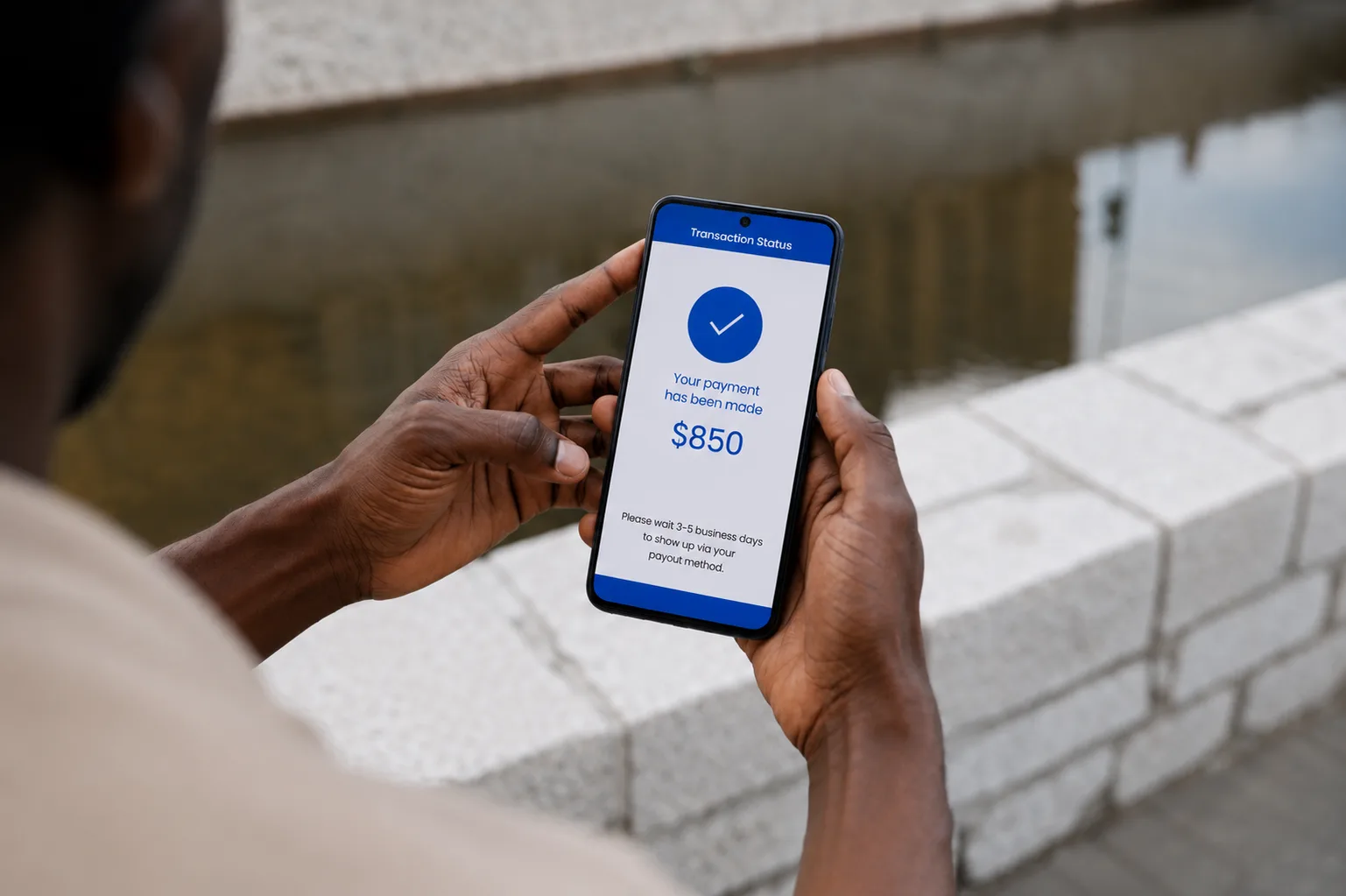
Get Paid
After the successful vehicle transfer is completed, our team securely processes your payment for a fast payout.
Frequently Asked Questions
Create a seller account, choose your listing type, upload photos and details, set your pricing options, and submit your listing for review.
You can list eligible vehicles, marine vessels and equipment that comply with CayMark's listing guidelines.
Yes. Every listing is reviewed before it goes live to help maintain a trusted marketplace and ensure listing quality.
All listings are set to follow a standard auction countdown, however adding a buy now price is an optional tool available to all sellers.
Yes. Auction sellers can set a reserve price to ensure their item isn't sold below their minimum acceptable amount.
You'll receive notifications and can track your listing's activity directly from your Seller Dashboard.
After the transaction and vehicle transfer are successfully completed, your payment will be processed and sent according to CayMark's payout schedule.
Listings cannot be edited after approval to protect auction integrity. In the case of an error it is advised to delete and re-upload your item.